Is Your Insurance App Tracking More Than Just Driving? (Hint: Yes)

by Erin Anderson
Insurance apps promise rewards for safe driving, like lower premiums or bonus points—but there's a catch. The same technology that tracks your speed, braking, and mileage can also collect a lot more data than you might realize. Here's what's happening behind the scenes, why it matters, and how to protect your privacy.
Step 1: Understand What Your App Actually Tracks
Most usage-based insurance (UBI) apps focus on driving behavior, but the data they collect can be surprisingly detailed:
- Driving habits: Speed, hard braking, rapid acceleration, cornering, and time of day.
- Location data: GPS tracking shows where you drive—and sometimes even where you park.
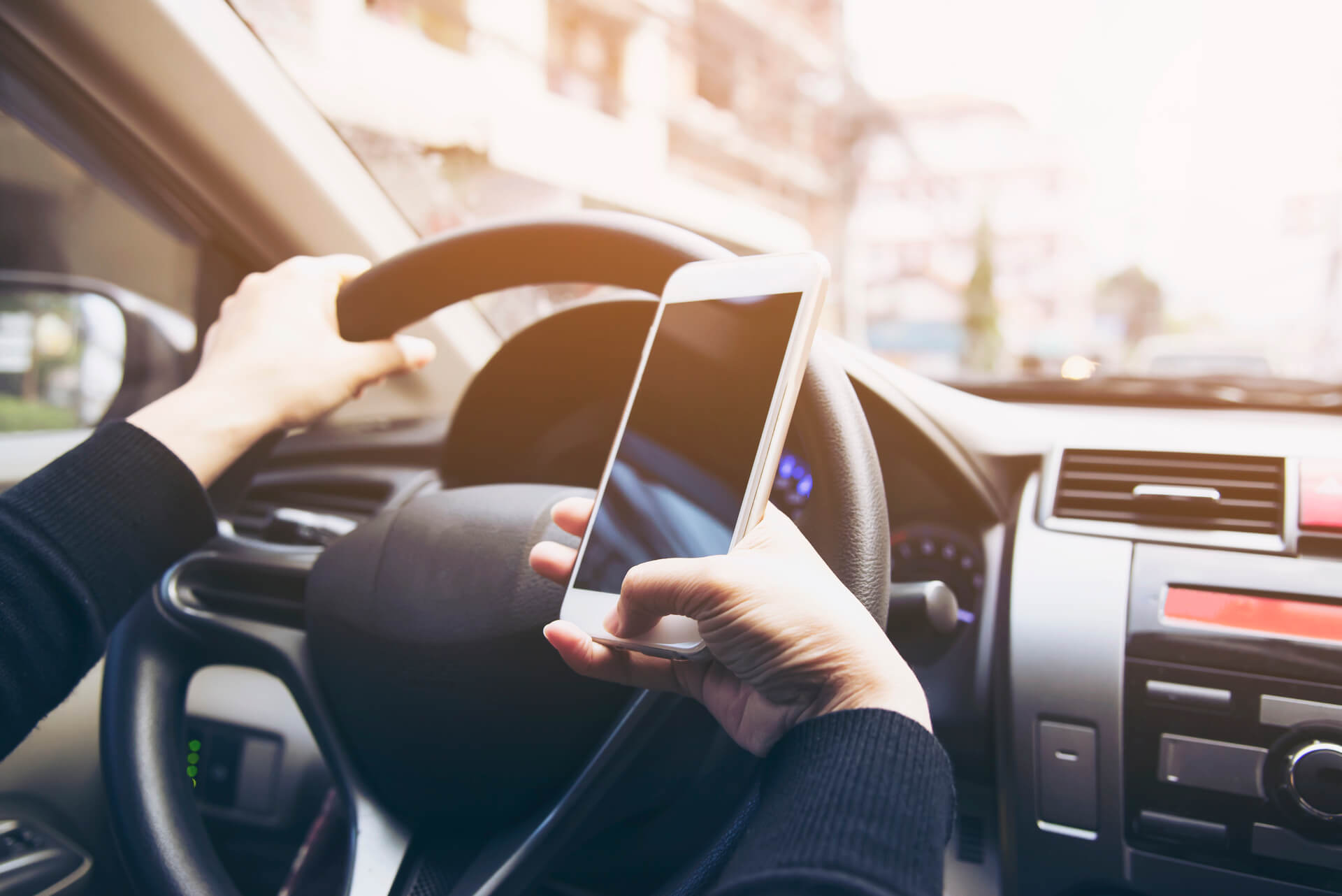
- Phone usage: Some apps monitor if you're texting or using your phone while driving.
- Device info: Your phone's model, operating system, and sometimes other apps installed.
Pro tip: Check the app's privacy policy. Many insurers reserve the right to use or share this data beyond your driving scores.
Step 2: Why Insurers Collect More Than Just Driving Data
It's not just curiosity—there are business reasons behind it:
- Risk assessment: Knowing where and when you drive helps insurers price policies more accurately.
- Fraud detection: Some data helps confirm claims are legitimate.
- Behavioral insights: Patterns like frequent location checks can be used to refine marketing or offers.
In other words, you're not just "earning points" for safe driving—you're providing a goldmine of data that goes beyond the road.
Step 3: Possible Privacy Concerns
While this data can lower your premiums, it can also create risks:
- Third-party sharing: Some insurers share data with partners, advertisers, or analytics firms.
- Data breaches: Any stored personal information is vulnerable if the insurer's security is compromised.
- Unexpected charges: Location data could be used for telematics-based pricing adjustments or new fees.
Pro tip: Make sure you understand what's optional versus mandatory when enabling app features.
Step 4: How to Protect Your Privacy
You don't have to opt out of rewards entirely, but you can take steps to limit unnecessary tracking:
- Limit permissions: Only allow location and motion tracking when driving.
- Check app settings: Some apps let you choose what data is collected or shared.
- Review your insurance contract: Confirm how the data is used and what rights you have to opt out or delete it.
- Consider alternatives: If privacy is a priority, you might choose a traditional policy without telematics.
Step 5: Balance Convenience With Awareness
Insurance apps can save money and even make roads safer—but only if you understand the trade-offs.
- Track your driving safely, but keep an eye on the other data you're sharing.
- Use privacy settings proactively.
- Stay informed about updates—apps sometimes expand data collection over time.
The Bottom Line
Yes, your insurance app is likely tracking more than just your driving. But with a little knowledge and careful management, you can enjoy the perks without giving up more privacy than you're comfortable with.
👉 Take a few minutes today to review your app's permissions and settings. A safer drive doesn't have to mean a loss of privacy.